

A practical guide to understanding WordPress malware attacks, forensic steps, recovery workflows, and prevention measures for business websites.
Recommended Products

WordPress Malware Attack: Forensics, Recovery, and Practical Prevention
WordPress is popular because it is flexible, affordable, and easy to use. But that popularity also makes it a frequent target for attackers. Many business owners only realize their website has been compromised after customers report strange redirects, Google shows a warning, or the hosting provider suspends the account.
A malware incident is not only a technical issue. It can damage trust, reduce SEO performance, interrupt sales, and expose customer data.
This article explains how WordPress malware attacks usually happen, what to check during forensic analysis, how to recover safely, and how to reduce the chance of another compromise.
Common Signs of a WordPress Malware Infection
Typical symptoms include:
- Visitors are redirected to gambling, scam, or adult websites
- Unknown admin users appear in WordPress
- Strange PHP files are found inside
wp-content - Google Search Console reports security issues
- The website sends spam emails
- Pages become slow or return random errors
- New posts or links appear without permission
Some infections are obvious. Others are hidden and only activate for search engine crawlers or first-time visitors.
How WordPress Sites Usually Get Infected
1. Outdated Plugins or Themes
Many attacks exploit known vulnerabilities in old plugins or themes. If updates are ignored, attackers can upload files or inject code.
2. Weak Passwords
Brute-force attacks are still common. A weak admin password can give attackers full access.
3. Nulled Themes and Plugins
Free copies of premium plugins often contain backdoors. They may work normally while quietly giving access to attackers.
4. Insecure Hosting
Poor file permissions, outdated PHP versions, and weak isolation between accounts can increase risk.
5. Stolen Credentials
FTP, cPanel, or WordPress credentials can be stolen from infected personal devices.
Forensic Checklist
When investigating a compromised WordPress site, start with evidence, not guesswork.
Check:
- Recent file changes
- Unknown admin users
- Suspicious plugins or themes
- Modified
.htaccessfiles - Unexpected cron jobs
- Unknown PHP files in upload folders
- Database entries containing script injection
- Server access logs
- WordPress login attempts
The goal is to identify the entry point and all persistence mechanisms. Cleaning only visible files is not enough if the backdoor remains.
Recovery Workflow
1. Put the Site in Maintenance Mode
Prevent visitors from being exposed to malware while you investigate.
2. Create a Backup for Analysis
Before deleting files, keep a copy for forensic review. This helps identify how the attack happened.
3. Replace Core WordPress Files
Download a fresh copy of WordPress and replace core files. Do not overwrite wp-config.php without checking it carefully.
4. Audit Plugins and Themes
Remove unused plugins and themes. Reinstall active ones from official sources.
5. Clean the Database
Search for injected scripts, spam links, and suspicious admin accounts.
6. Reset All Credentials
Change WordPress admin, hosting, FTP/SFTP, database, and email passwords.
7. Update Everything
Update WordPress core, plugins, themes, PHP version, and server packages when possible.
8. Request Review
If Google or another service flagged the site, request a review after cleanup is complete.
Prevention Tips
- Use strong passwords and two-factor authentication
- Keep plugins, themes, and WordPress core updated
- Remove unused plugins and themes
- Avoid nulled software
- Use a reputable hosting provider
- Limit login attempts
- Set correct file permissions
- Schedule automatic backups
- Monitor file changes
- Use a web application firewall when needed
Conclusion
WordPress malware recovery is not just about deleting suspicious files. A proper response includes investigation, cleanup, credential rotation, patching, and monitoring.
For business websites, prevention is far cheaper than emergency recovery. If your website supports sales, leads, or brand trust, security maintenance should be part of regular operations.
More Articles
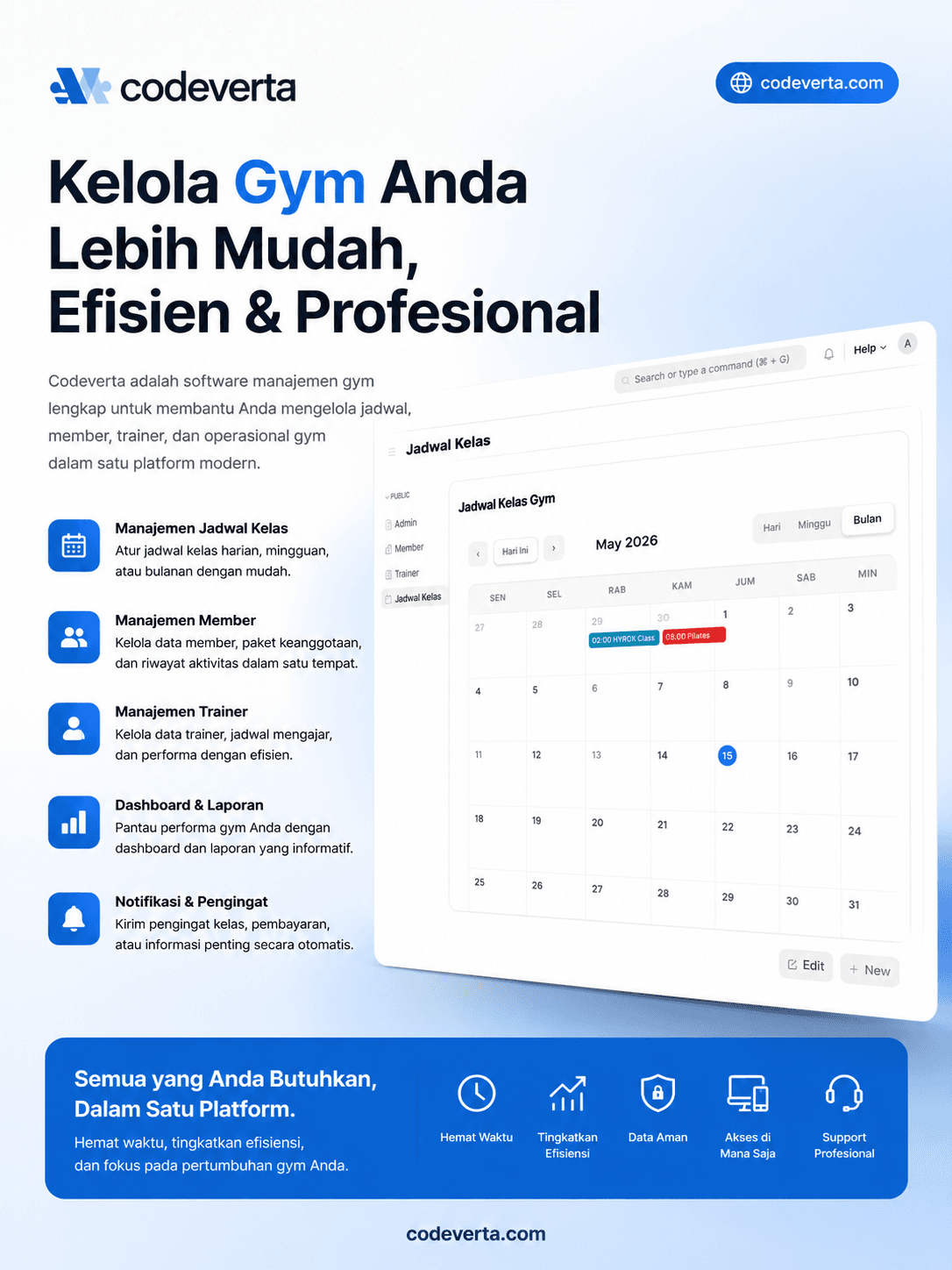
Gym Berantakan Gara-Gara Catatan Masih Manual? Saatnya Pakai Sistem Manajemen Gym
15 июля 2026 г.
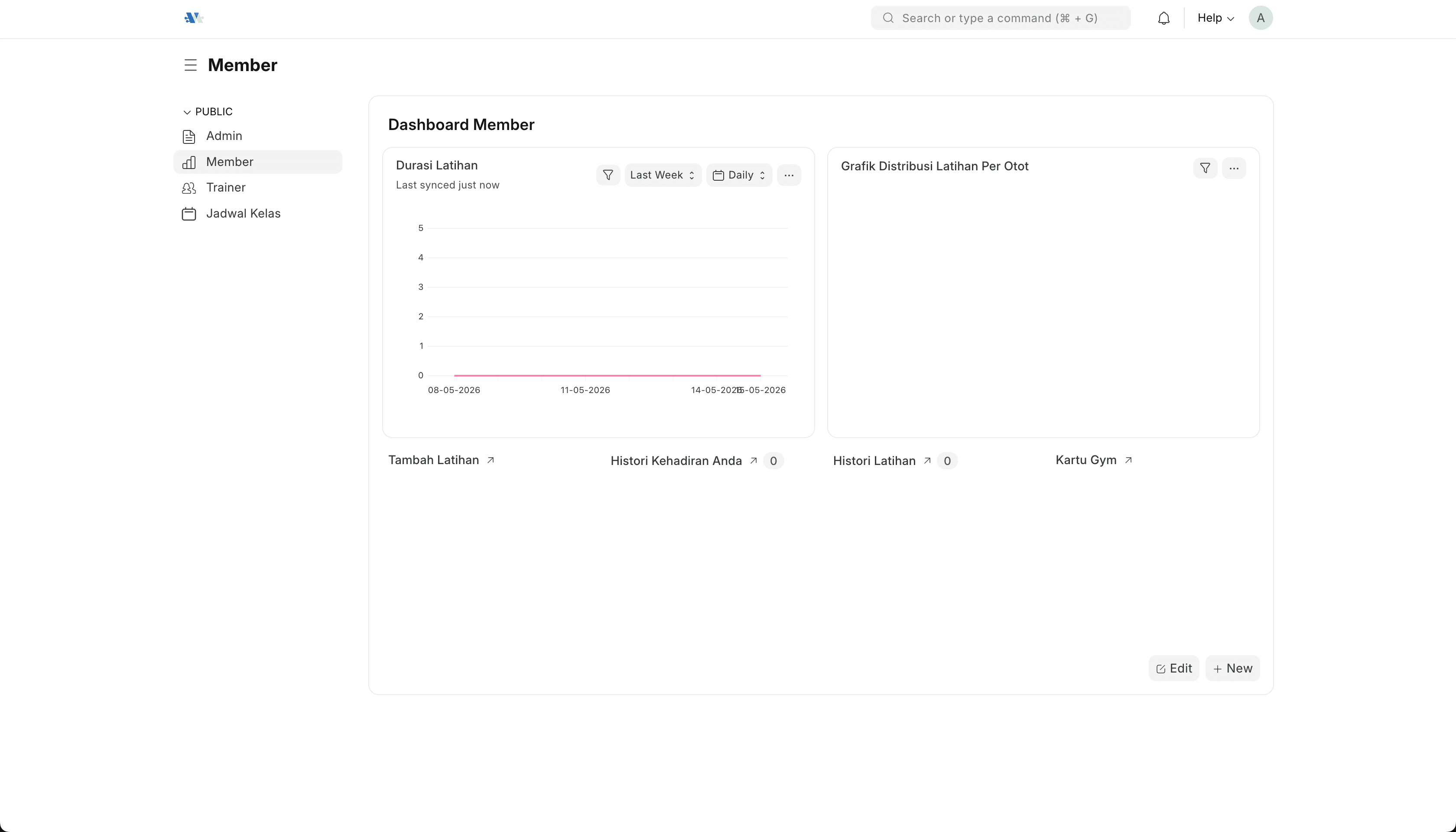
Почему маленьким фитнес-залам трудно удерживать клиентов
10 июля 2026 г.
Почему маленькие отели и гостевые дома теряют постоянных гостей
5 июля 2026 г.
Как упорядочить управление материалами на стройке без хаоса
25 июня 2026 г.